
Key Takeaways
- A recipe name on a touchscreen is only one part of controlling a production setup. Buyers also need to establish which approved revision belongs to the product and package, who can change it…
- Start with the installed machine and software revision. List the fields included in a recipe, their units, approved limits, storage location and transfer behavior. Keep machine calibration,…
- Weichi's viscous liquid and sauce filler-seamer page lists a PLC and touchscreen, speed setting and fault indication. Those published features do not establish recipe permissions, automatic…

A recipe name on a touchscreen is only one part of controlling a production setup. Buyers also need to establish which approved revision belongs to the product and package, who can change it, which values actually reach the controller, and how the configuration will be checked after recovery. This guide provides a proposed verification record, not instructions for changing a running machine or evidence that a particular model has every function described.

Define what the recipe controls
Start with the installed machine and software revision. List the fields included in a recipe, their units, approved limits, storage location and transfer behavior. Keep machine calibration, safety settings and mechanically adjusted tooling in separate controlled records unless the approved design explicitly includes them. Loading a recipe does not establish that the can guides, seaming tooling or product path match the selected package.
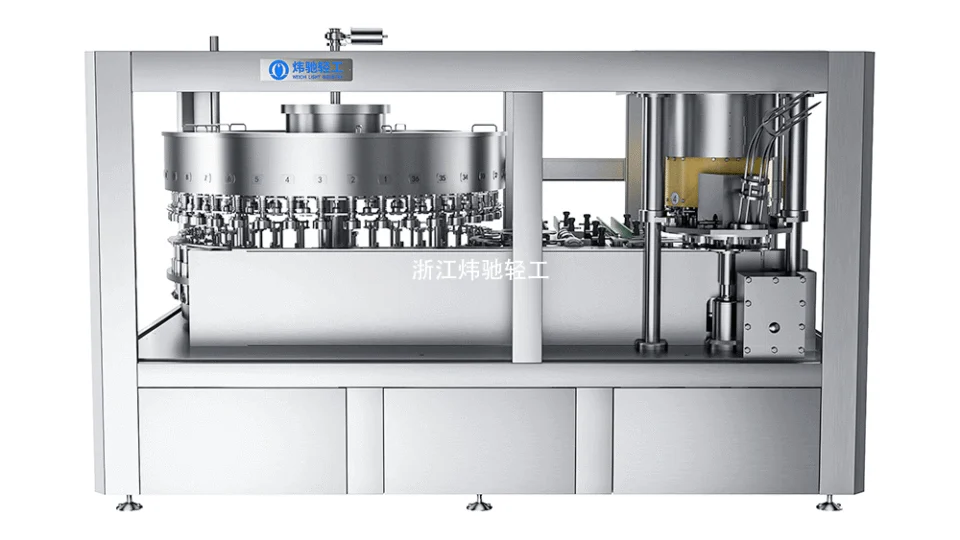
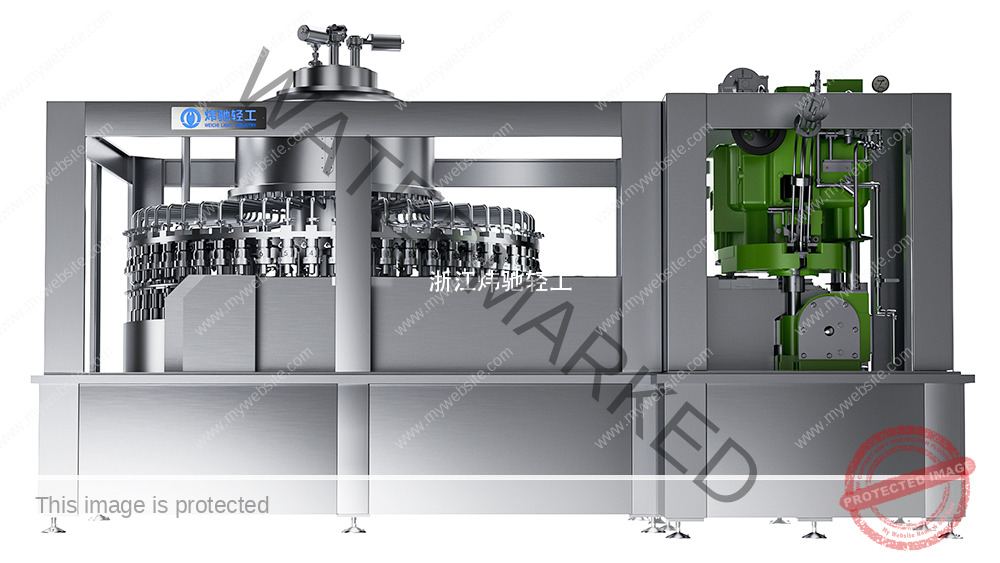
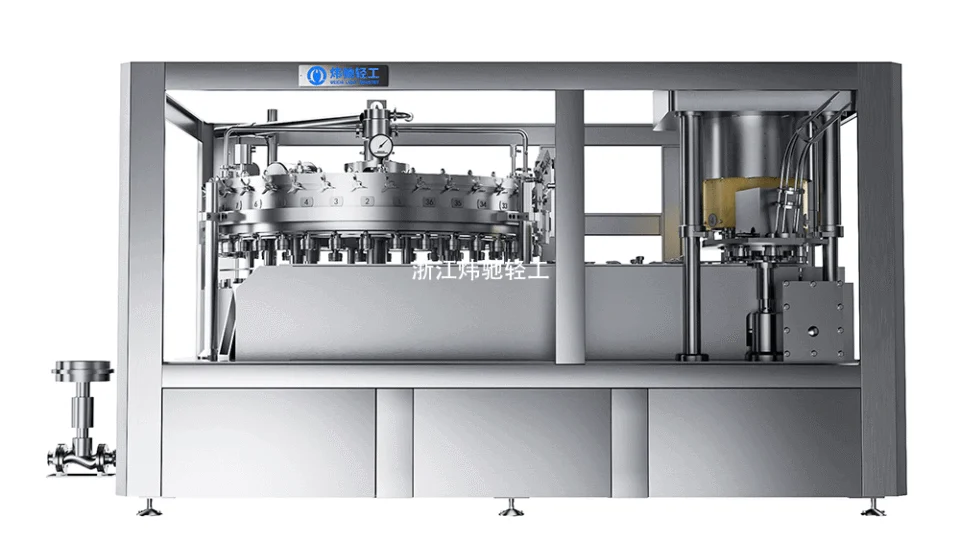
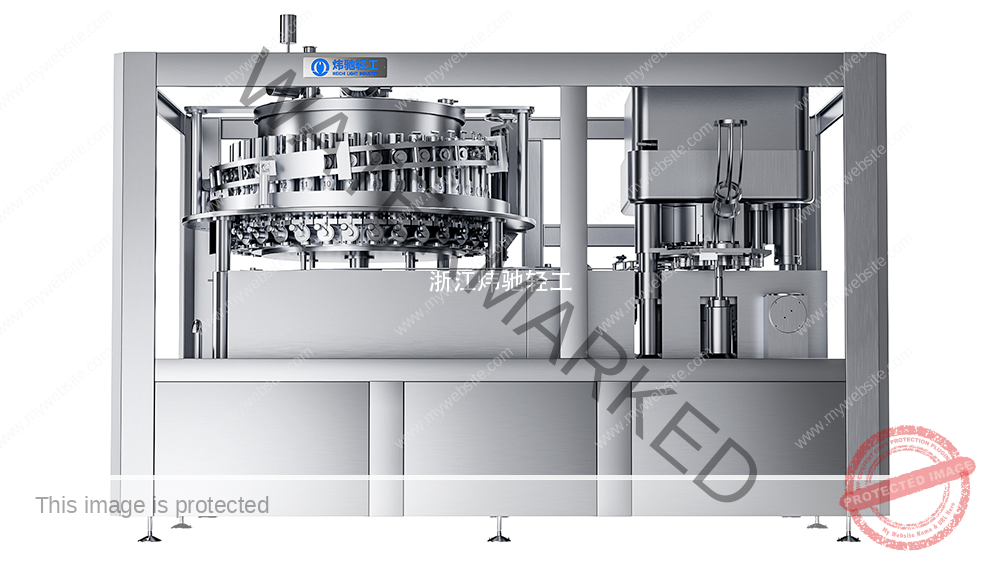
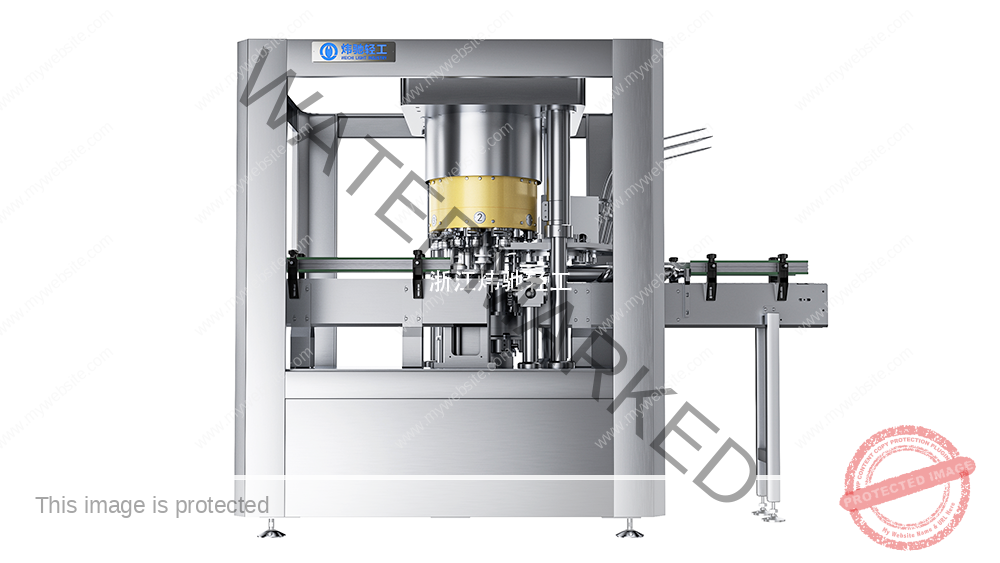
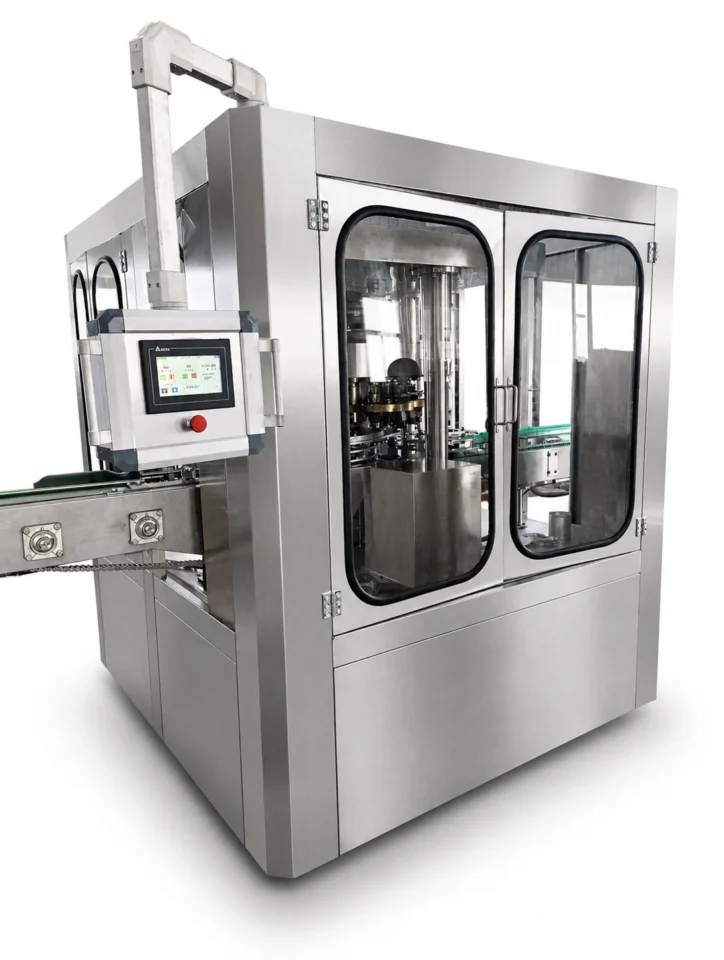
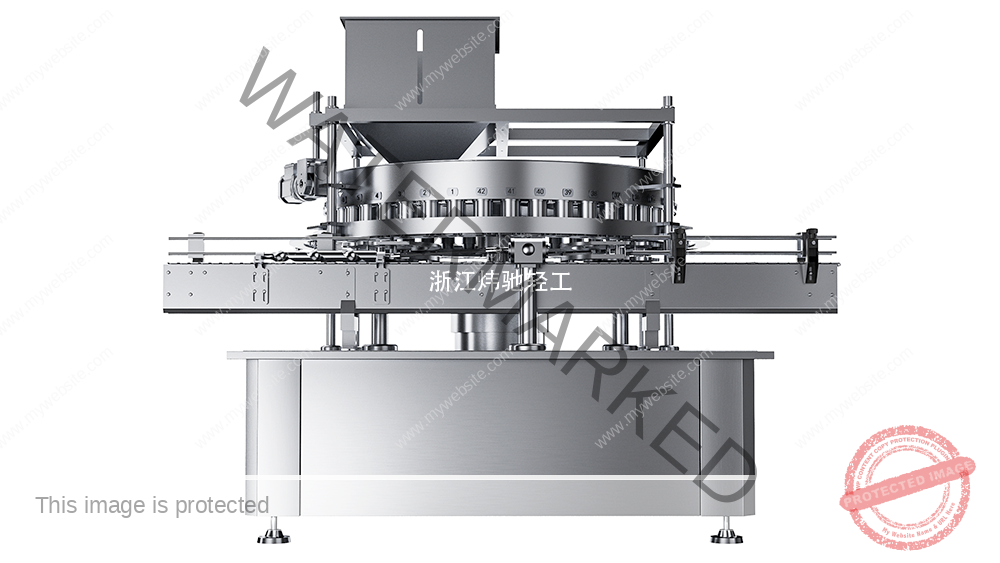
Weichi's viscous liquid and sauce filler-seamer page lists a PLC and touchscreen, speed setting and fault indication. Those published features do not establish recipe permissions, automatic backups, change history or recovery performance. Confirm the exact HMI, software and configured functions for the quoted machine.
Separate stored, displayed and active values
Siemens' WinCC documentation distinguishes recipe storage, recipe tags and controller transfer; synchronization depends on configuration. Consequently, verify the data path on the actual installation. Selecting a row, saving an edited record and transferring values to the PLC can be different actions. A success message should be checked against the agreed completion signal and the values used by the control program.
| Checkpoint | Proposed evidence | Decision before proceeding |
|---|---|---|
| Approved master | Recipe ID, revision, product, can/end specification and approval reference | Does this revision match the intended batch and installed configuration? |
| HMI record | Selected record and critical values, units and limits | Are edits saved, and is the selected record the intended one? |
| Controller values | Project-defined transfer acknowledgement and active-value readback | Did the complete intended data reach the correct destination? |
| Physical setup and product | Change-parts check and approved first-article results | Can the responsible person release this setup? |
Specify permissions as testable actions
Agree separately who may select an approved recipe, change a value, create or overwrite a record, approve a revision, export data and restore data. These are proposed responsibilities, not a default access model. Demonstrate allowed actions and rejection of prohibited actions using the supplied configuration. Record the tested role and result without placing passwords or account secrets in the report.
If electronic approval or a change log is unavailable, define a controlled revision register and an independent check appropriate to the project. A manual register records the agreed workflow; it does not create a technical access restriction or an automatic audit trail.
Build a backup that can be identified and recovered
Record what each backup contains. A recipe export is not necessarily a complete HMI or PLC backup. Identify the machine, panel type, application and controller versions, recipe structure revision, export time, approved source and restore method. Keep a protected approved copy separate from the working copy, with an assigned custodian. Define backup triggers, retention and compatible replacement equipment in the project plan.
Siemens describes different HMI backup contents depending on the device. Use the installed device's documentation to check supported media and restoration scope. The presence of a USB port or a copied file alone does not prove recoverability.

Use a controlled challenge and recovery matrix
The following is a proposed FAT/SAT test design. Use a test environment or another supplier-approved safe arrangement, preserve the original configuration and agree the return path first. Do not deliberately corrupt a production controller or remove power from a running machine to perform this checklist.
| Proposed challenge | Observe and retain | Acceptance basis |
|---|---|---|
| Wrong product or obsolete revision is selected | Identification, available restrictions, operator check and release decision | Agreed prevention or detection method acts before production release |
| A role attempts a prohibited edit | Role, attempted action and actual system response | Behavior matches the approved permissions |
| Transfer is incomplete or unsuccessful | Status, active values and permitted next action | No release based only on a selected recipe name |
| Approved backup is restored to a compatible test target | Backup identity, versions, critical-value comparison and functional results | Approved values and relevant functions are verified before release |
| An incompatible or outdated file is offered | Compatibility check, rejection or controlled escalation | No unreviewed overwrite of the approved configuration |
After restoration, compare the critical parameters with the approved master and complete the applicable functional and first-article checks. Assess affected product separately under the quality plan. “Restore completed” and “machine ready for production” are separate decisions.
A copyable recipe control record
Machine ID / HMI and PLC versions / recipe ID and revision / product and can-end specification / approved parameter list and units / change reason / authorized editor and approver / backup ID and scope / transfer result and active-value readback / physical setup check / test and first-article references / outstanding restrictions / release authority and date.
Mechanical setup belongs in the changeover and first-article plan. File ownership belongs in the handover document register. Link the records by revision rather than duplicating conflicting parameter lists.
Frequently asked questions
Does a PLC and touchscreen mean recipe management is included?
No. Confirm the specific configured functions, permissions, storage and transfer behavior in the quotation and acceptance plan.
Is a screenshot an adequate backup?
It can support comparison, but does not by itself provide a complete, importable or compatible recovery package.
Can an old recipe be reused after a software or packaging change?
Only after the responsible team checks structure, units, ranges, configuration compatibility and the applicable validation results. A familiar file name is insufficient.
Confirm the required functions before ordering
Provide the product and package range, installed or proposed control platform, required operator actions, revision workflow and recovery expectations through Weichi's project enquiry page. Request a function-by-function scope and an agreed demonstration plan; do not assume unlisted software options are included.
Technical references: Siemens WinCC V20, Transferring recipe data records and Backup of HMI data. These explain platform concepts and do not identify the software fitted to a Weichi machine. The matrices above are proposed project templates, not completed test records.
Technical Basis and Project Evidence
Final equipment selection and acceptance must use the project product, can and end drawings, utility conditions, line interfaces, agreed test duration, and documented FAT/SAT criteria. Can and end supplier specifications remain authoritative for double-seam limits.
- U.S. FDA: Low-Acid Canned Food Manufacturers, Part 3 — Containers and Closures
- SAMR record: GB/T 30639-2014 — Sauce filling and seaming equipment
- SAMR record: GB/T 40360-2021 — Still-beverage can filling and seaming equipment
Review equipment families See project references Submit application data