
Key Takeaways
- A useful machine handover connects the installed equipment to the right document versions, records who received them, and shows which tasks each trained person can perform. A folder of PDFs…
- This guide offers a document register and training sign-off method for a standalone can seamer, filler or filler-seamer monoblock. It is a planning template, not a record of a completed Weic…
- Put the machine model, serial number, supplied options, approved can/end combinations and installation location at the top of the register. Add the relevant mechanical, electrical and contro…

A useful machine handover connects the installed equipment to the right document versions, records who received them, and shows which tasks each trained person can perform. A folder of PDFs and a signed attendance sheet do not, by themselves, establish that the handover is complete.
This guide offers a document register and training sign-off method for a standalone can seamer, filler or filler-seamer monoblock. It is a planning template, not a record of a completed Weichi project or a promise that every listed document or software file is included in every order. Agree the applicable package, language, format and responsibilities in the project scope.
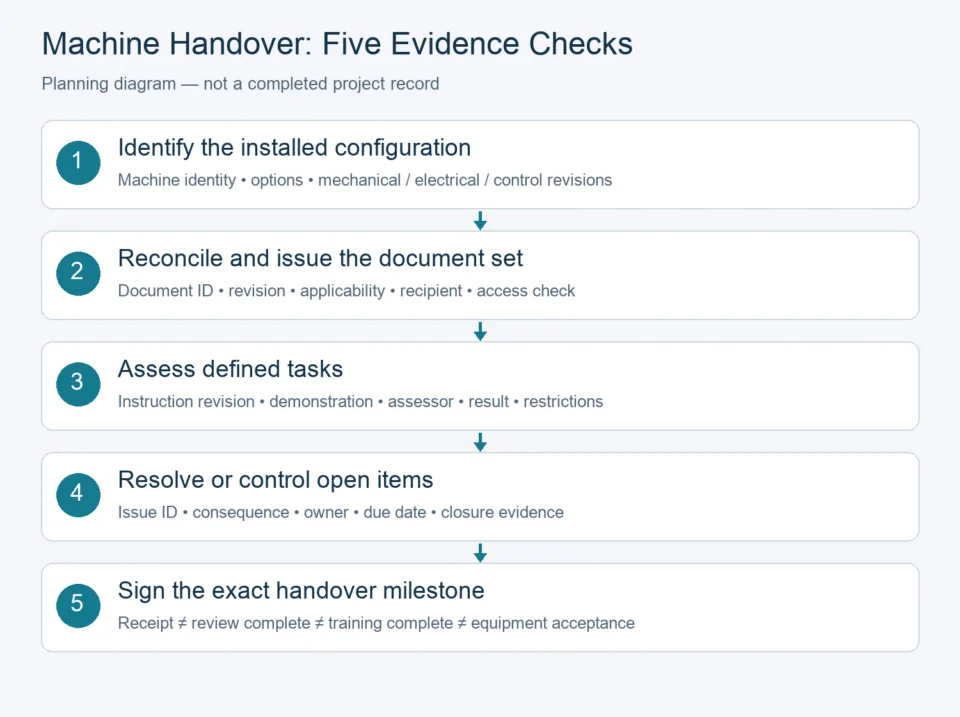
1. Start with one installed-machine baseline
Put the machine model, serial number, supplied options, approved can/end combinations and installation location at the top of the register. Add the relevant mechanical, electrical and control-system revision identifiers. For a monoblock, identify both filling and seaming assemblies; list independently supplied conveyors, inspection equipment and other interfaces with their responsible suppliers.
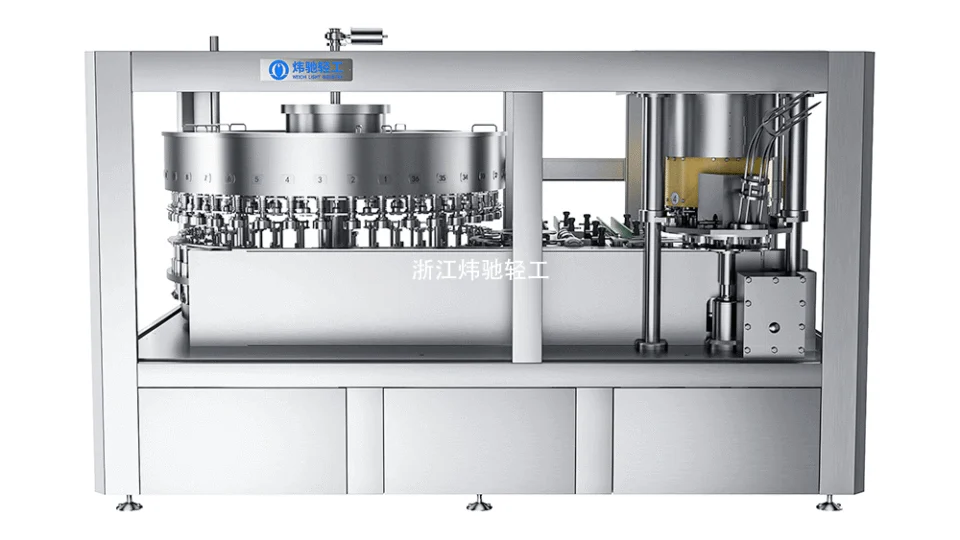
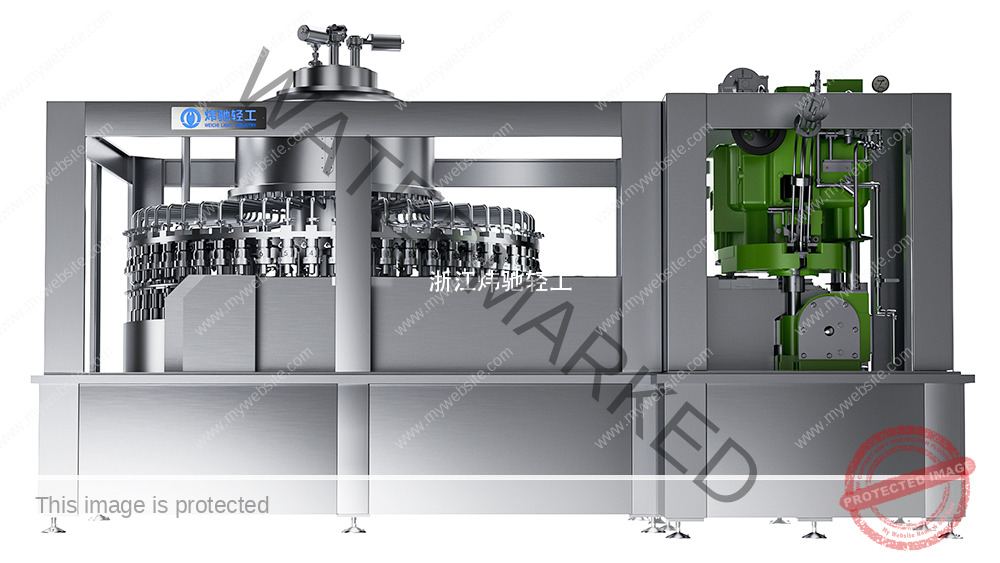
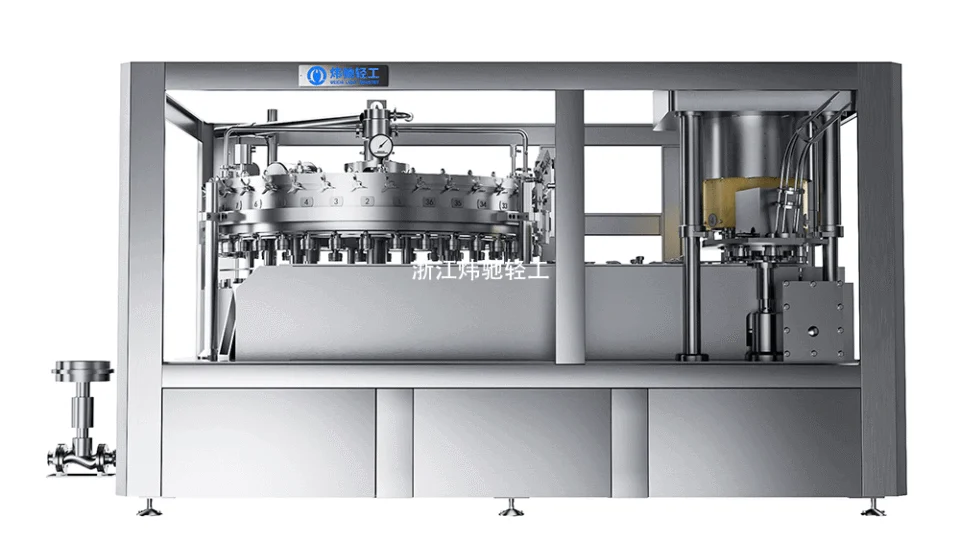
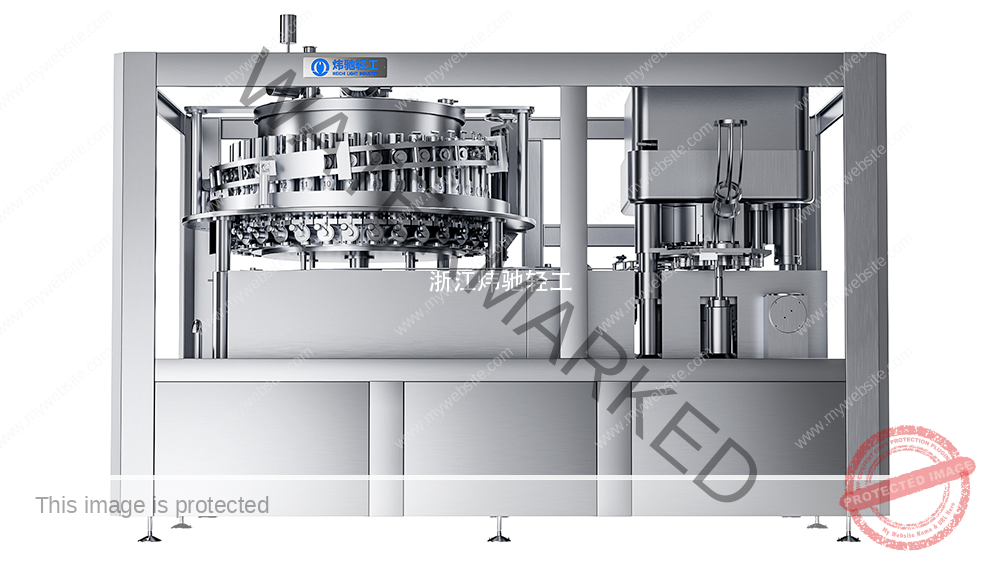
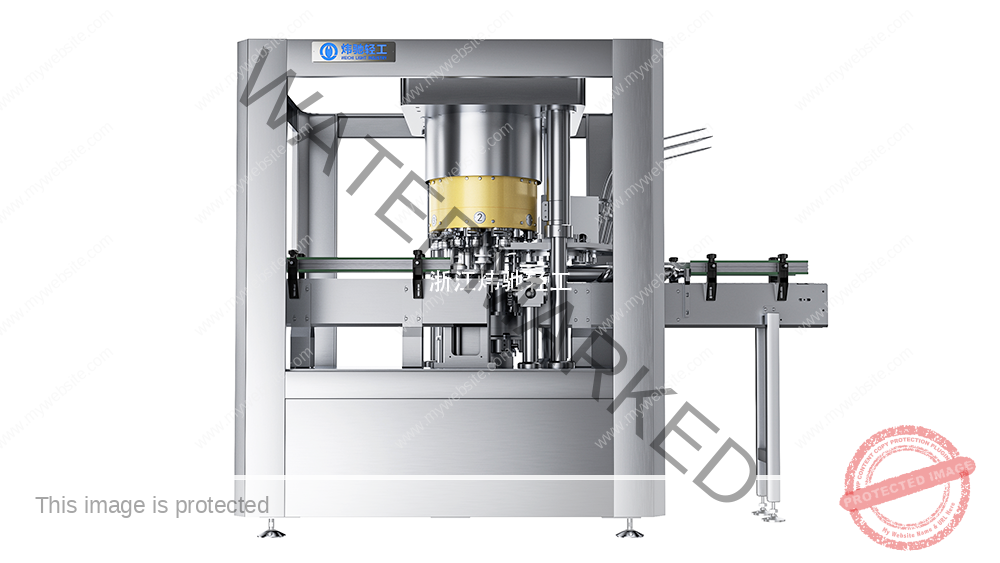
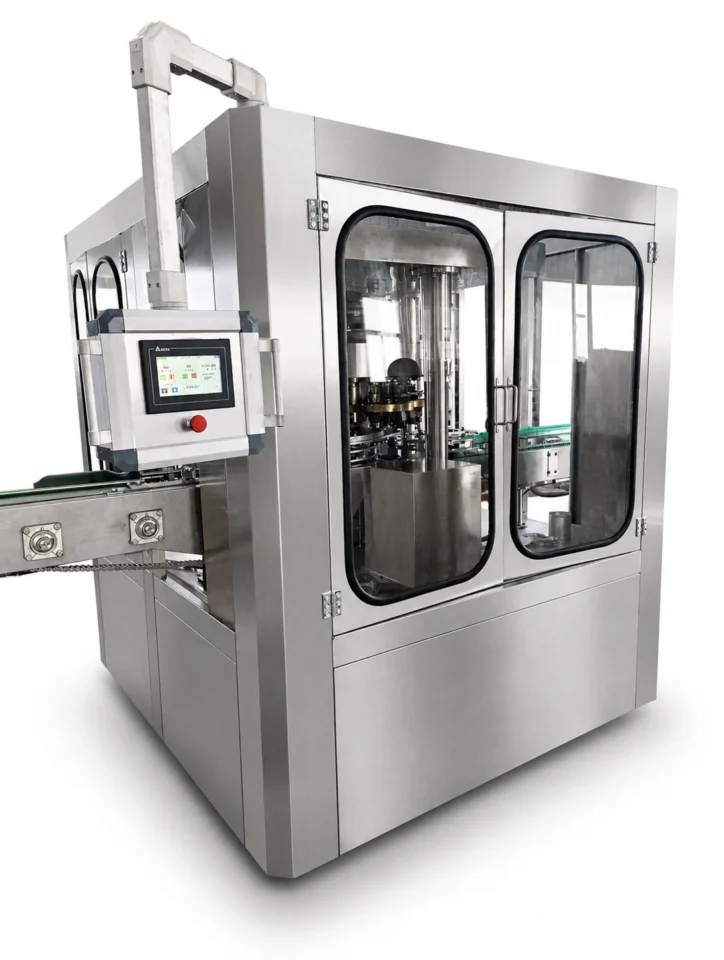
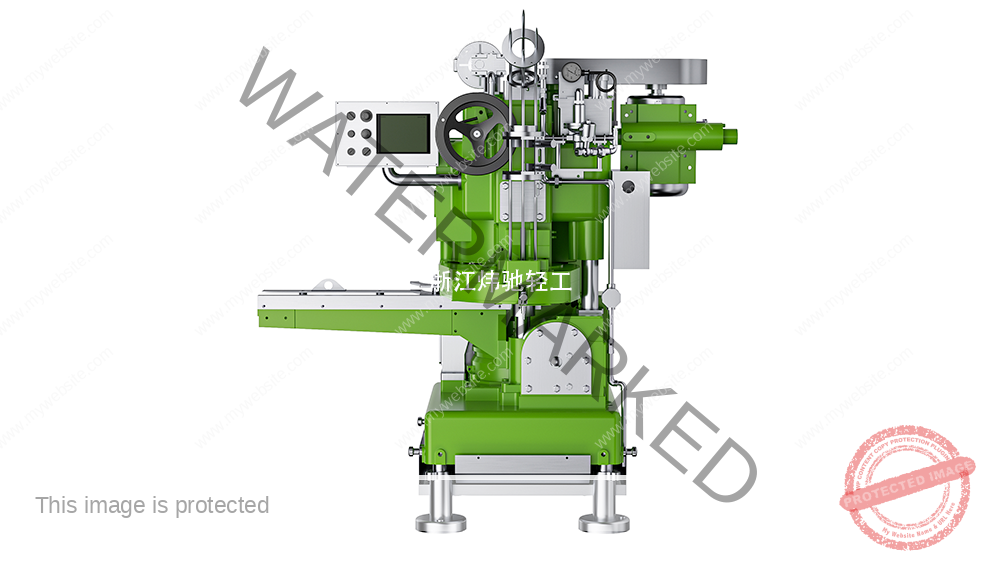
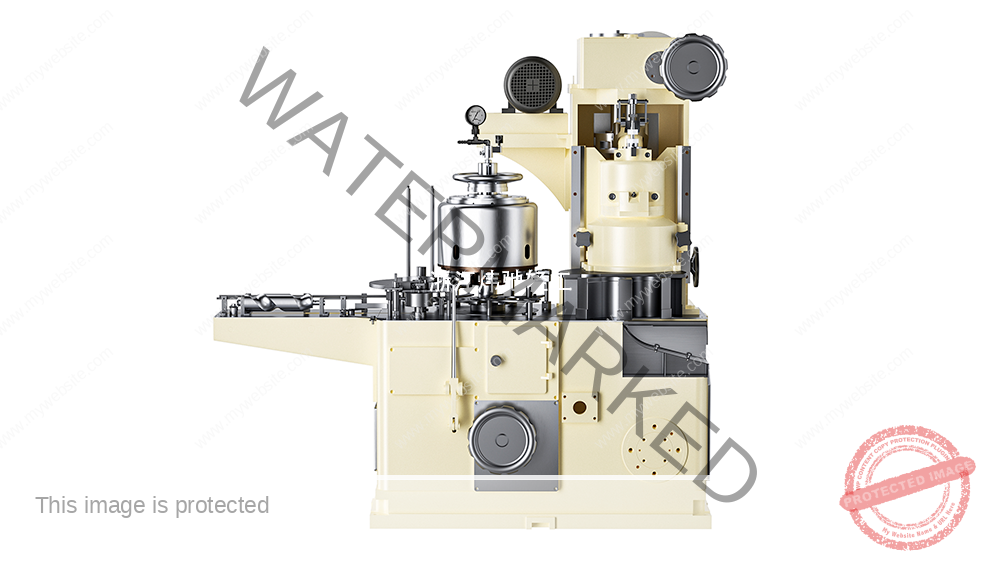
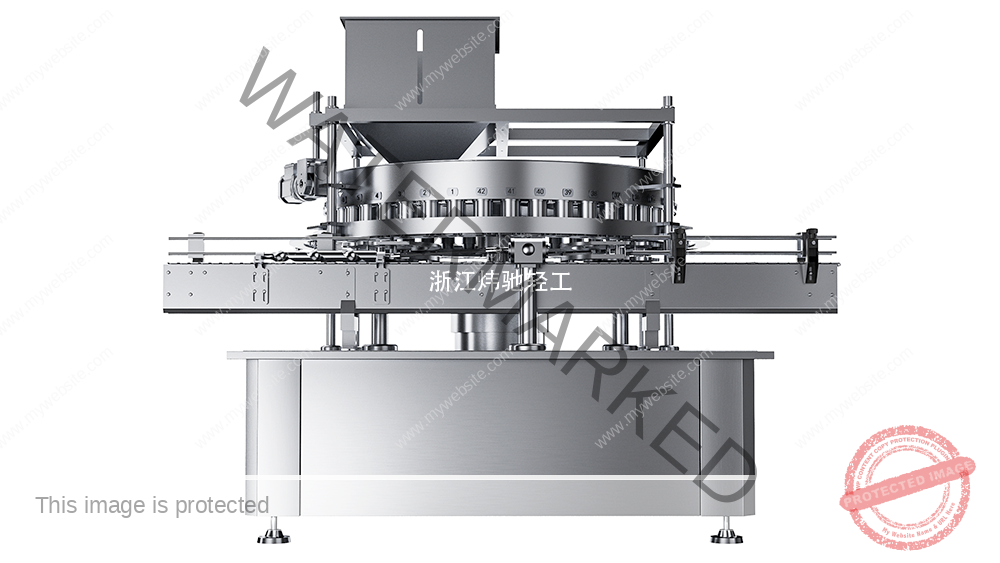
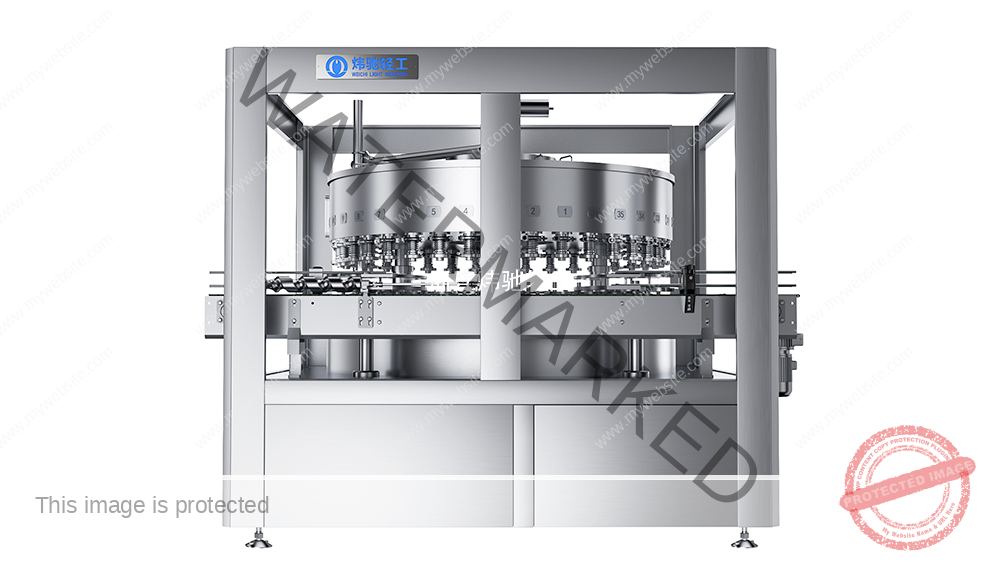
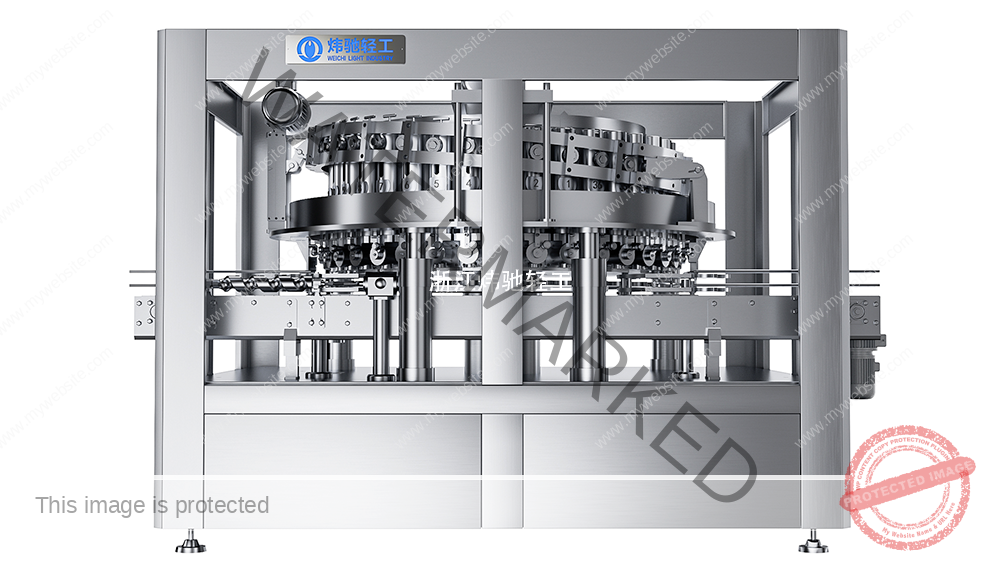
Weichi's standalone automatic can seamer closes cans after filling; filling equipment is selected separately. Its handover boundary should therefore be distinguished from that of a combined filler-seamer or a mixed-supplier line. A catalogue page helps identify the equipment family but cannot replace the installed configuration record.
2. Build a register that can expose missing or mismatched files
Use one row per controlled document or record. Record the document ID and title, applicable machine/configuration, revision and issue date, language and file format, issuing owner, intended recipient, access location, review result and receipt date. Mark a genuinely inapplicable item with a reason; do not leave a blank cell that could mean either “missing” or “not required”.
| Package area | What to identify | Handover check |
|---|---|---|
| Operation and safe use | Applicable operating instructions, permitted uses, limitations, warnings and task boundaries | Recipient can find the instructions for the installed configuration and the language is understood |
| Installation and interfaces | Final layout, connection drawings and agreed interface responsibilities | Drawing identifiers and connection references correspond to the installation |
| Cleaning and maintenance | Applicable cleaning method, inspection tasks, lubrication information and intervals | Instructions identify the relevant parts and approved operating conditions; intervals come from the machine documentation |
| Parts and change parts | Agreed supplied-parts list, part numbers, revisions and format applicability | Physical labels and the list identify the same supplied items; substitutions are recorded |
| Controls and backups, where agreed | Software/version register, parameter records, backup scope, access and restore responsibilities | Delivered files and required tools are usable under the agreed rights; any restore verification has a controlled record |
| Acceptance and open items | Approved test protocols, results, deviations, retests and milestone decisions | Records link to the tested configuration and show what remains open |
| Training and support | Task syllabus, materials, assessment records, restrictions and support contacts | Training references the issued instructions and identifies the people authorized for each task |
This register is a suggested working tool. ISO 10013:2021 provides general guidance on developing and maintaining documented information for an organization's needs; it does not establish the delivery scope of a particular machine purchase.
3. Reconcile revisions before accepting the document package
- Collect: receive the agreed files and record their identifiers without renaming away the original revision information.
- Compare: check the approved design, the as-tested configuration and any changes made during installation. A drawing marked “final” can still predate a site modification.
- Resolve: ask the responsible issuer to correct a mismatch or document its applicability. Link each discrepancy to an owner and closure evidence.
- Issue: designate the approved working copy and distribute it to the relevant roles. Clearly identify superseded copies and remove them from active-use locations while retaining history under the agreed retention policy.
- Verify access: have recipients open the files and locate a relevant task or component reference. Receipt of a download link is not proof that its contents are accessible or correct.
Illustrative example: the electrical drawing is revision B, but the installed terminal labels reflect a later change. Record the mismatch and obtain an approved drawing or change record before closing that part of the handover. Do not silently relabel the file as revision C. This example is fictional and is not a reported Weichi project.
4. Separate attendance from task competence
Plan training by role: operators, maintenance personnel and supervisors do not necessarily need the same permissions or syllabus. Agree the language, prerequisite knowledge, instructor, equipment configuration, relevant instructions and assessment method. The competent person responsible for the assessment should define safe demonstrations and the evidence needed.
HSE's training and competence guidance explains that training should suit the equipment, risks and existing skills, and that changed equipment or work methods may require additional training. It is UK guidance; determine the applicable requirements for the actual installation. Attendance records show participation. Task assessment and the employer's authorization determine the work a person may undertake.
| Training record field | What to record |
|---|---|
| Person and role | Name or controlled employee identifier, role and permitted task scope |
| Training basis | Machine identity, configuration, instruction revision, language, date and instructor |
| Task and method | Defined task, explanation/demonstration method and agreed assessment criteria |
| Observed result | What was demonstrated, supporting evidence and the assessor's conclusion |
| Restrictions and next step | Independent work, supervised work or further training required, as determined by the responsible authority |
| Follow-up | Action owner, reassessment trigger or date, assessor and recipient acknowledgement |
Examples of assessment topics include finding the current instructions, explaining the limits of one's role, identifying the escalation route for an alarm and completing an approved operating record. Practical equipment tasks must follow the applicable safe procedure and supervision arrangements. Signing a training record does not authorize bypassing protection or carrying out maintenance outside the person's competence.
5. Treat software delivery and restoration as a defined scope
Where backups or programs are included, list what is delivered: for example, a parameter export, HMI project or PLC project, as applicable. Identify the target hardware, software versions, required licenses, access rights, file integrity check and responsible custodian. A parameter export is not automatically a complete machine recovery package, and supplying a machine does not automatically grant every source-code or third-party license right.
Agree how restoration will be verified by authorized personnel under a controlled plan. A file opening successfully does not prove that the installed machine can be restored. Do not test restoration on a running production system simply to tick the handover box. Keep credentials out of the general document register and exchange them through an agreed protected channel when required.
6. Sign the precise milestone and retain open actions
State whether the signature acknowledges file receipt, completed document review, completed training or a defined equipment-acceptance milestone. Keep these decisions separate. A document-delivery signature should not silently close an untested performance requirement; a training signature should not be treated as a payment or product-release decision.
For each open item, retain its ID, affected document or task, consequence, responsible owner, due date, restriction on the next activity and closure evidence. Any conditional progression needs the designated project authority's decision. Use the FAT and SAT checklist for performance acceptance and the after-sales scope guide for service inclusions and costs.
Copyable handover request
- Machine model, serial number, supplied options and installation boundary:
- Document package, languages, formats and agreed delivery milestones:
- Document ID, revision, applicable configuration and responsible issuer:
- Recipient, storage/access location and review/receipt status:
- Training audience, task scope, instruction revision and assessment method:
- Agreed backup scope, rights, custodian and restoration evidence:
- Open items, restrictions, owners, due dates and closure records:
- Exact meaning of each signature and authorized signatory:
Common questions
Is the latest file date enough to identify the approved version?
No. Copying or exporting can change a file date without changing its technical content. Check the controlled revision, approval status and applicability to the installed configuration.
Does a training attendance signature mean the operator is qualified for every task?
No. Record the task assessed, result and restrictions. The responsible organization must decide the person's authorized work scope.
Must every project include the same software and documents?
No. The package depends on the ordered equipment, options, rights and project agreement. Identify exclusions and any required alternative support before handover.
Discuss the handover package before ordering
Review the Weichi equipment families and send the machine scope, destination, document language, receiving roles, training needs and required backup arrangements through the application enquiry page. Ask for a versioned delivery schedule with responsible parties and review milestones alongside the equipment offer.
Technical Basis and Project Evidence
Final equipment selection and acceptance must use the project product, can and end drawings, utility conditions, line interfaces, agreed test duration, and documented FAT/SAT criteria. Can and end supplier specifications remain authoritative for double-seam limits.
- U.S. FDA: Low-Acid Canned Food Manufacturers, Part 3 — Containers and Closures
- SAMR record: GB/T 30639-2014 — Sauce filling and seaming equipment
- SAMR record: GB/T 40360-2021 — Still-beverage can filling and seaming equipment
Review equipment families See project references Submit application data